
Settings
Access your settings from the user menu (web) or the Profile tab (mobile).
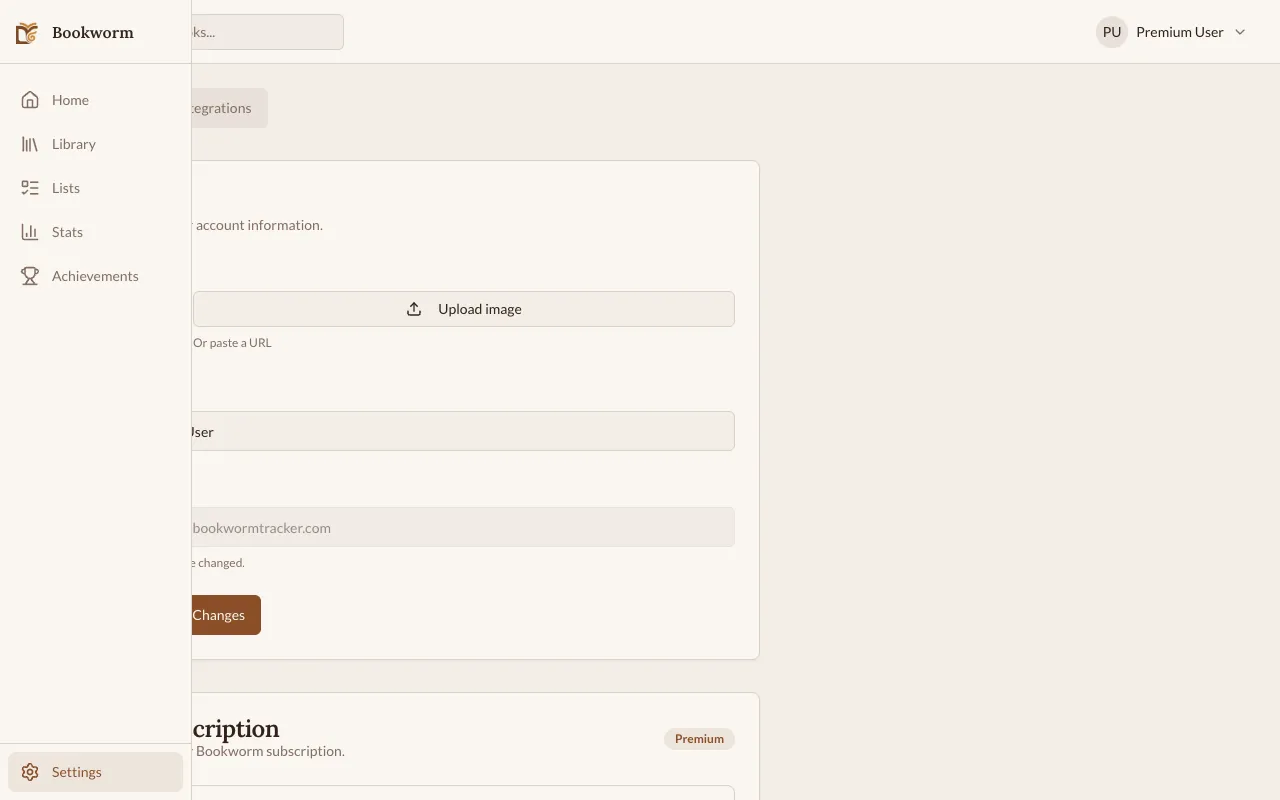
Profile
Section titled “Profile”- Display name — shown on your profile and shared achievements
- Profile picture — upload a custom avatar (WebP, JPEG, or PNG, max 2MB)
Public Profile
Section titled “Public Profile”You can set up a public profile that other users can visit. Go to Settings → Public Profile:
- Username — a unique handle (up to 30 characters) for your profile URL
- Bio — a short description about yourself (up to 300 characters)
- Profile visibility — set to Public to let anyone view your profile, or Private to hide it
- Show current read — toggle whether your currently-reading book appears on your public profile
- Show content warnings — toggle whether content warnings are shown on book pages
Account
Section titled “Account”- Email — the email associated with your account
- Sign-in method — email/password, Google, or Apple
- Change password — update your password (email accounts only)
- Delete account — permanently delete your account and all data
Notifications
Section titled “Notifications”On mobile, you can configure push notifications:
- Streak Reminder — one evening nudge if you have not read that day, see Streak Reminders
- Achievement alerts — notifications when you earn badges
Daily Digest (Premium)
Section titled “Daily Digest (Premium)”Premium users can enable a daily reading digest email:
- Go to Settings → Notifications.
- Enable Daily Digest.
- Choose your preferred time (in UTC).
The digest includes your streak status, goal progress, and a summary of yesterday’s reading.
Integrations
Section titled “Integrations”See E-Reader Integration for details on connecting your e-reader.
Data Export
Section titled “Data Export”On the web app, you can export your reading data as CSV:
- Go to Settings.
- Click Export Data.
- Download the CSV file.
The export includes books, sessions, notes, and reading progress.