
Reading Lists
Reading Lists let you group books into custom collections beyond the standard reading statuses.
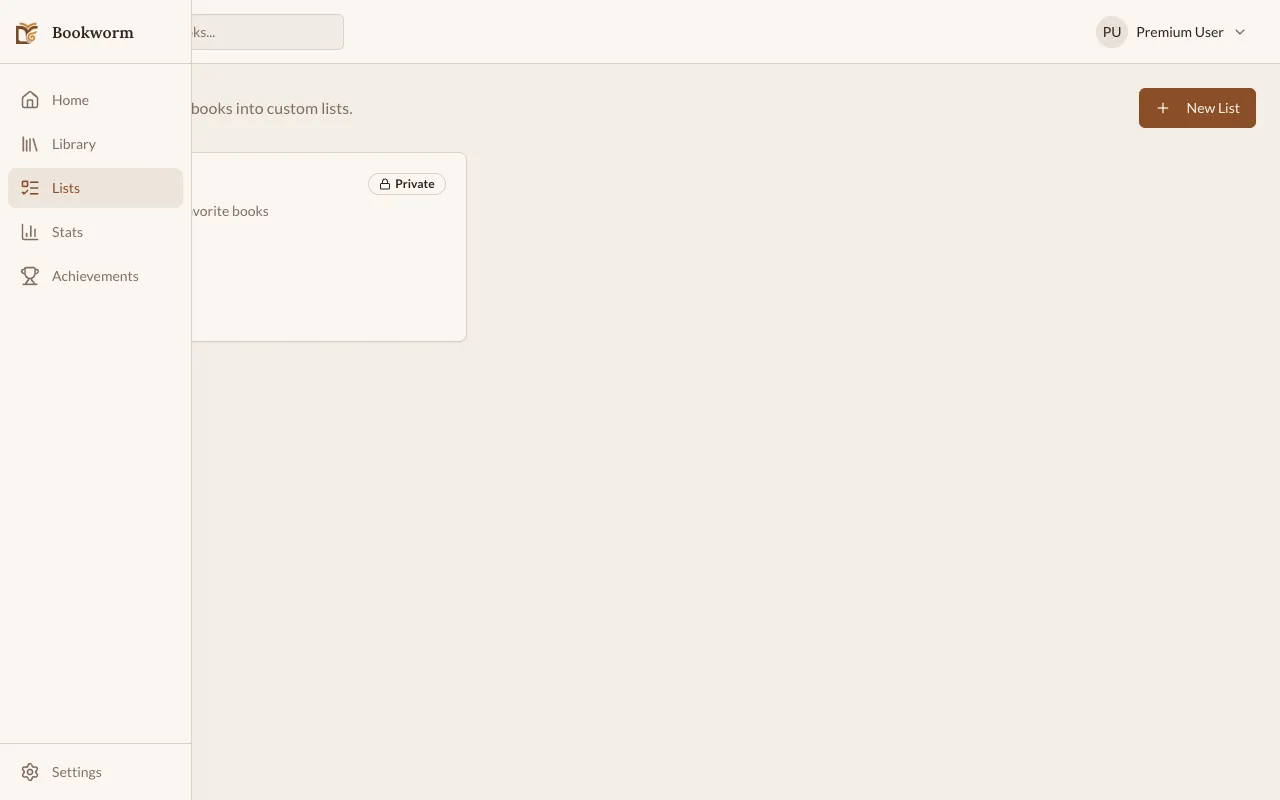
Creating a List
Section titled “Creating a List”- Go to the Lists section from the sidebar or navigation.
- Click + New List.
- Give your list a name (e.g., “Summer Reads”, “Book Club 2026”, “Research”).
- Optionally add a description.
- Save.
Adding Books to a List
Section titled “Adding Books to a List”You can add books from two places:
From the List
Section titled “From the List”- Open the list.
- Click Add Book.
- Search your library or search for new books.
- Select books to add.
From a Book’s Detail Page
Section titled “From a Book’s Detail Page”- Open any book.
- Click the menu icon.
- Select Add to List.
- Choose which list to add it to.
Managing Lists
Section titled “Managing Lists”- Reorder books — drag and drop to change the order within a list.
- Remove a book — click the remove icon next to any book in the list.
- Delete a list — open the list settings and click Delete. This only removes the list, not the books themselves.
Use Cases
Section titled “Use Cases”- Book club — track what your group is reading together
- Themed collections — “Best of 2025”, “Comfort Reads”
- Study/research — group books for a project or course
- Gift ideas — books you want to recommend to others