
Goals & Achievements
Bookworm’s gamification system helps you stay motivated with reading goals, achievement badges, and titles that reflect your reading journey.
Reading Goals
Section titled “Reading Goals”Goal Types
Section titled “Goal Types”| Goal | Description | Availability |
|---|---|---|
| Yearly Books | Read X books this year | Free |
| Daily Pages | Read X pages per day | Free |
| Custom Pages | Read X pages total | Premium |
| Custom Books | Read X books total | Premium |
| List Completion | Finish all books in a list | Premium |
Creating a Goal
Section titled “Creating a Goal”- Go to Achievements from the navigation.
- Switch to the Goals tab.
- Click + New Goal.
- Choose a goal type and set your target.
- Set a deadline (for custom goals).
- Save.
Tracking Progress
Section titled “Tracking Progress”Your goals show a progress bar that updates automatically as you log sessions and finish books. The Dashboard also shows your active goals.
Badges
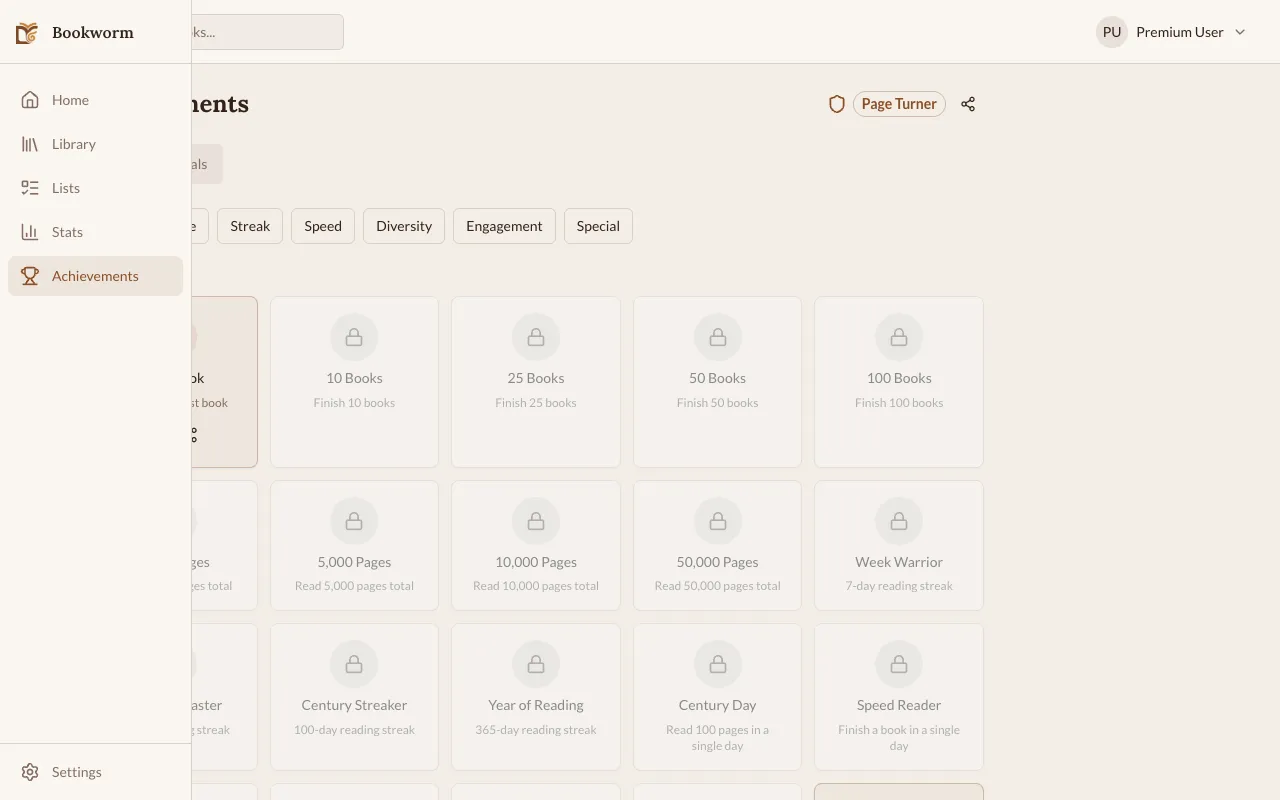
Section titled “Badges”Badges are earned automatically when you hit milestones. There are 26 badges across multiple categories:
- Reading milestones — finish your 1st, 5th, 10th book, etc.
- Streak achievements — maintain reading streaks of 7, 30, 100 days
- Page milestones — read 1,000, 5,000, 10,000 pages
- Exploration — read across different categories
- Social — create lists, write notes, connect e-readers
When you earn a badge, you’ll see a notification. You can view all your badges on the Achievements page.
Titles
Section titled “Titles”Titles are special labels that reflect your reading level. They’re earned on two tracks:
- Books track — based on total books finished
- Pages track — based on total pages read
Your highest-ranked title from either track is displayed on your profile. There are 18 titles total, from “Novice Reader” to “Literary Legend”.
Sharing
Section titled “Sharing”You can share your earned badges and titles:
- Web — uses the Web Share API
- Mobile — uses the native share sheet